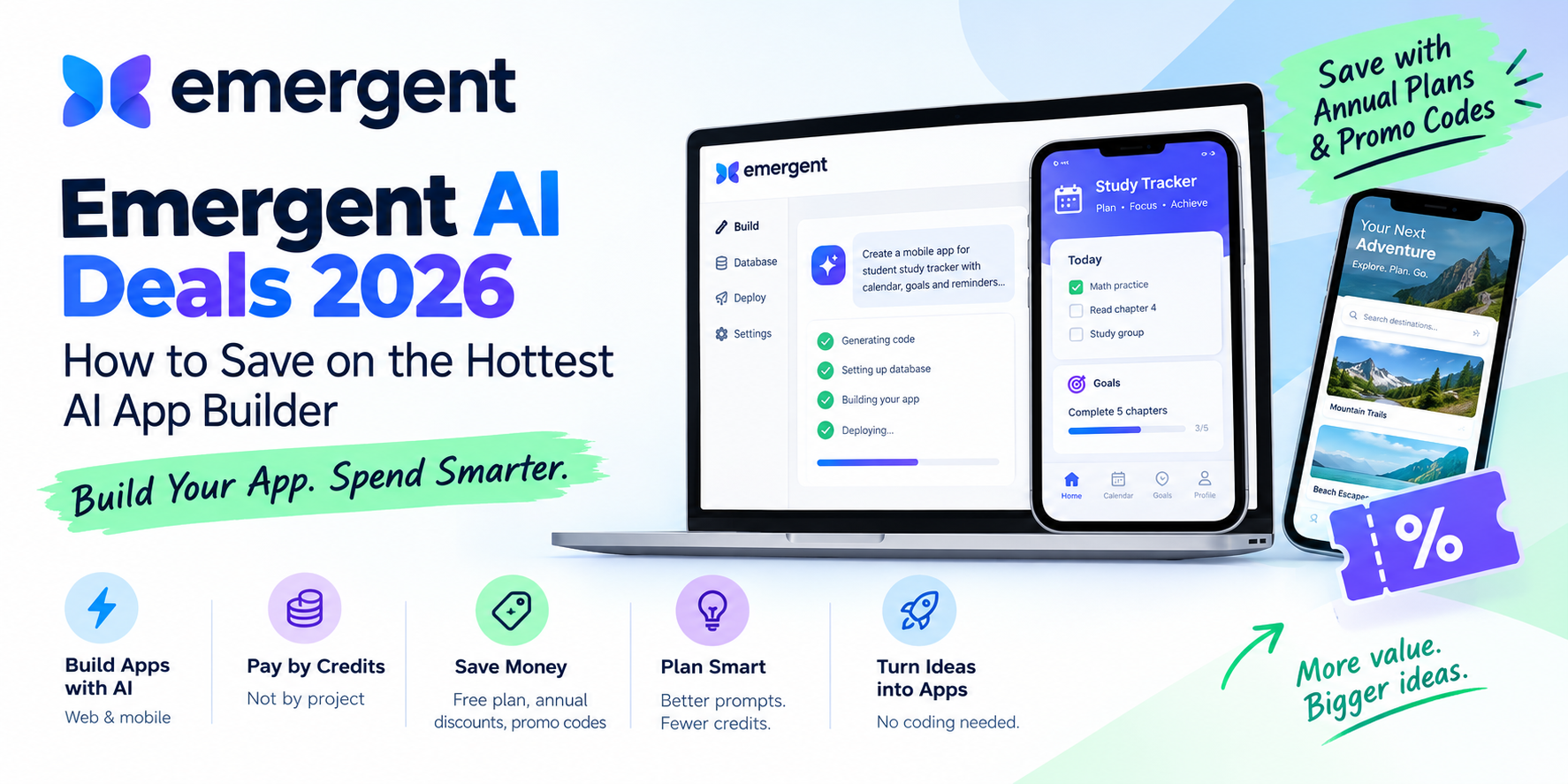
Emergent AI Deals 2026: Free Plan, Annual Discounts & How to Save on Credits
Planning to build an app with Emergent. Here's a plain-English guide to its plans, current ways to save, and tips to avoid burning through credits.
Emergent AI Deals 2026: How to Save on the Hottest AI App Builder
A few years ago, turning an app idea into a working product meant finding a developer, agreeing on a budget, and waiting. Today you can type what you want and get a working app back. Emergent AI is one of the platforms behind that shift, and its July 2026 funding round reportedly pushed its valuation to $1.5 billion. That put it firmly on the radar of founders, freelancers, and small business owners.
Popularity brings a practical question: what does it cost, and can you pay less? This guide covers Emergent's plans, the legitimate ways to save, and a few habits that keep your credits from vanishing.
What Is Emergent?
Emergent is an AI app builder. You describe the app you want in plain language, and its AI agents write the code, set up the database, and publish it. It handles both web and mobile apps, so you don't need a coding background.
For deal hunters, one thing matters more than the technology: Emergent charges by credits, not by project. Every AI action, such as generating a screen, fixing a bug, or deploying, uses credits. That is where most of your savings will come from.
Emergent Pricing at a Glance
Here are the plans as listed in recent Emergent AI pricing roundups. Prices can change, so confirm on the official site before paying.
|
Plan |
Monthly Price |
Credits |
Best For |
|
Free |
$0 |
Small allowance |
Trying the platform |
|
Standard |
$20 |
100 per month |
First-time builders, small projects |
|
Pro |
$200 |
750 per month |
Heavy users, agencies, advanced builds |
|
Enterprise |
Custom |
Custom |
Larger organizations |
Some sources also list a Team plan at around $300 per month. Plan lineups seem to shift now and then, which is one more reason to check the live pricing page.
5 Ways to Save on Emergent
1. Start with the Free Plan
The Emergent free plan needs no credit card. It gives you a limited credit allowance and access to the web and mobile builder. It won't carry a full project, but it lets you test the workflow before spending anything.
2. Pay Annually Instead of Monthly
This is the most dependable saving available. Annual billing is listed at about 15% off on Standard (roughly $204 a year instead of $240) and about 17% off on Pro (roughly $2,004 a year instead of $2,400).
If you already know you'll build for the whole year, annual billing is the easy choice. If you only have one project in mind, stay monthly. Emergent reportedly doesn't give partial refunds for unused time, so don't lock in a year you won't use.
3. Look for Promo Codes Before You Check Out
Referral and promo offers pop up from time to time. Before paying, check the offers on our Couponcarnival Emergent page.
4. Plan the App Before You Prompt
This one costs nothing and saves the most. Vague prompts lead to repeated rebuilds, and rebuilds burn credits. A short written brief usually pays off:
1. What the app does, in two or three sentences
2. Who will use it
3. The three or four must-have features
4. What can wait until version two
5. Make Smaller, Specific Requests
Asking for a full redesign in one go can eat a big chunk of your credits. Build the core feature first, then change one thing at a time to keep costs easier to predict. Also remember that deployment uses credits too, so don't publish every small draft.
Standard or Pro: Which One Makes Sense?
Choose Standard if you are:
1. Building a first app or an MVP
2. A solo founder or freelancer
3. Testing an idea before committing real money
Choose Pro if you:
1. Build apps regularly or for clients
2. Need more credits and extra features such as custom AI agents and priority support
3. Would otherwise keep topping up credits on a smaller plan
A simple rule: if you keep buying extra credits on Standard, work out whether Pro would be cheaper. Do the math before you upgrade.
Money Tips for Anyone Building an App with AI
Set a budget first: Decide what you're willing to spend before you start, not after.
Use the free tier to compare tools: Several AI builders offer free plans, so test two or three before paying for one.
Don't forget the rest of the stack: A domain, email tool, and payment processing are separate costs. Look for coupons on those too.
Cancel what you aren't using: If a project pauses, pause the subscription as well.
Watch for seasonal sales: Software brands often run offers around Black Friday, New Year, and big launches.
Conclusion
Emergent is an interesting way to build an app without a development team, but credit-based pricing rewards people who plan. Start free, pay annually only when you're sure, write clear prompts, and always check for a working coupon before checkout.
For the latest Emergent and software deals, visit Couponcarnival regularly. To get offers the moment they go live, join our WhatsApp Channel and Telegram Channel for exclusive deals and instant updates.
Frequently Asked Questions
1. Is there an Emergent promo code available right now?
Offers change often. Check our Emergent page on Couponcarnival for active codes, and test any code at checkout to confirm it applies.
2. Does Emergent have a free plan?
Yes. The free plan requires no credit card and includes a limited number of credits so you can try the web and mobile builder.
3. How much can I save with annual billing on Emergent?
Annual billing is listed at roughly 15% off the Standard plan and about 17% off the Pro plan compared with paying monthly.
4. How much does the Emergent Standard plan cost?
Standard is listed at $20 per month with 100 credits. Confirm current pricing on Emergent's official site before you buy.
5. How can I make my Emergent credits last longer?
Write a clear brief before prompting, build one feature at a time, avoid unnecessary full redesigns, and publish only when the app is ready.
Search Blog
blog Category










post a commment